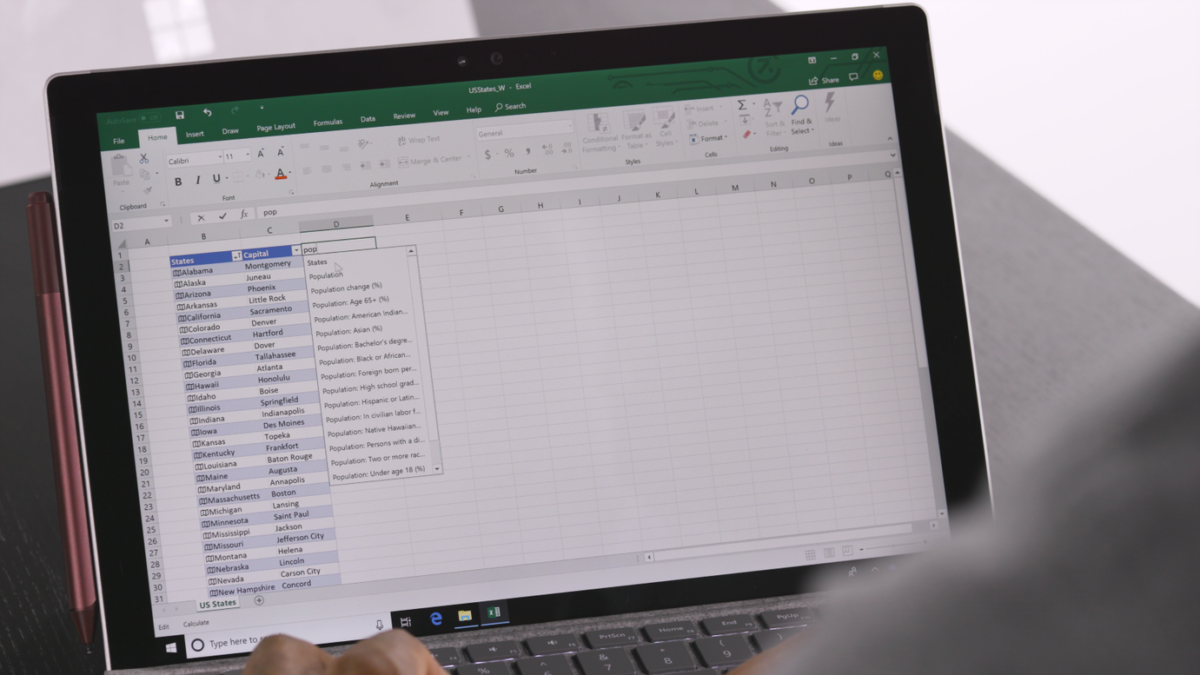
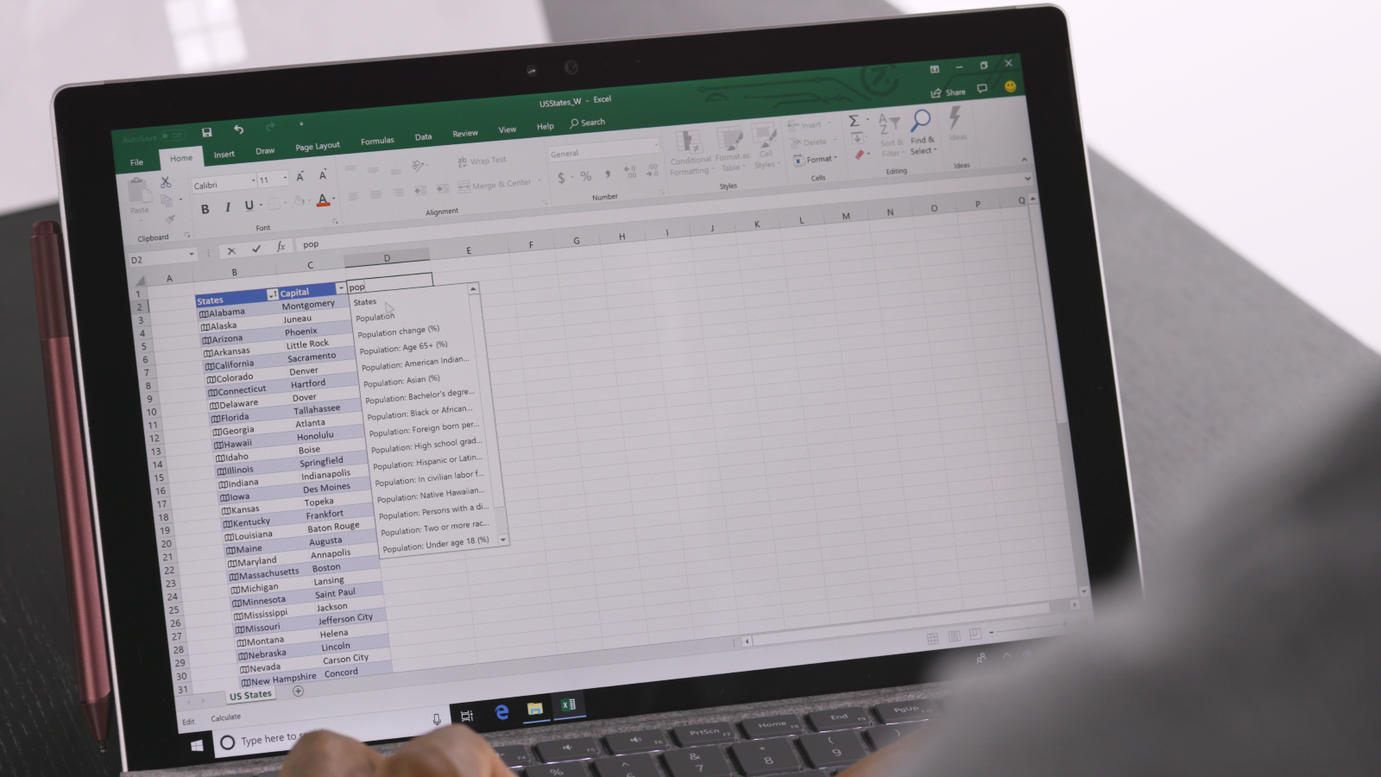
If you haven’t opened Excel in a while, you’re likely to find it looks and behaves quite differently than you remember. Whether you switched to Google Sheets, moved to open-source software, stuck with an older version, or simply stopped following updates, Microsoft has added features that could change how you work with spreadsheets entirely.
Formulas no longer need to be copied hundreds of times
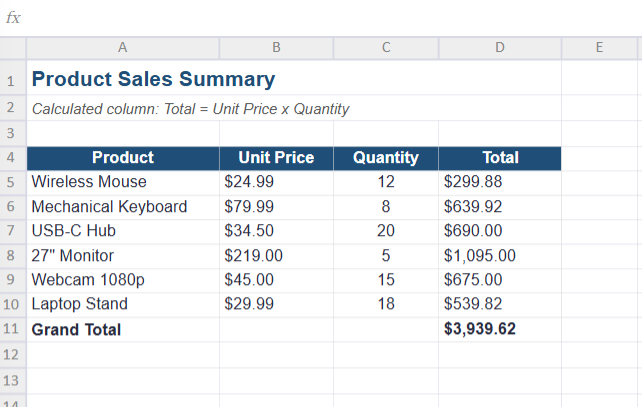
Building calculated lists used to mean a lot of repetitive work. You’d write an expression in one cell, then drag it down across hundreds of rows, and remember to extend it every time your dataset grew.
Dynamic arrays have removed much of that repetition. A single expression in one cell can now spill its results automatically across the adjacent open cells. If you’re returning to Excel after some time away, this changes what you can expect from an ordinary formula, and it goes well beyond newer functions like FILTER, SORTBY, and UNIQUE, which already make it easier to pull matching records, reorder data, and drop duplicates without extra helper columns. Many functions you’ve used for years will now spill into multiple cells whenever a calculation produces more than one result.
You’ll also find functions built for more advanced tasks. TOROW and TOCOL make reshaping data much simpler, while LAMBDA, MAP, and BYCOL let you build reusable logic directly in the formula bar.
Finding data is no longer a fragile process
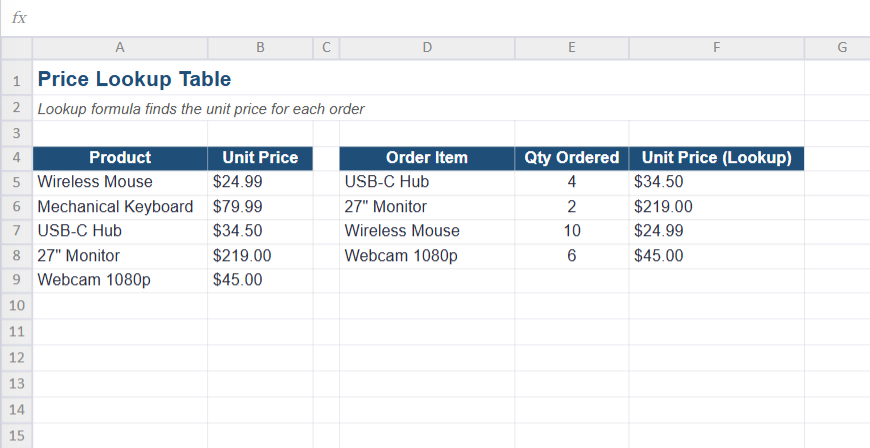
Matching information across tables used to be one of the most frustrating parts of using Excel. You probably remember VLOOKUP, which forced you to hardcode column numbers and only searched left to right, so inserting a single new column could break your entire formula.
If you moved on to INDEX and MATCH for more flexibility, you also know how much syntax that required. Two newer functions fix both problems. XLOOKUP searches in any direction and defaults to exact matches without extra flags, while XMATCH gives you a more capable, cleaner replacement for the matching side of that process. Because both rely on direct range selections instead of column counts, your formulas hold up far better when you restructure a layout, move columns, or add new fields.
Excel can help you write the formula itself
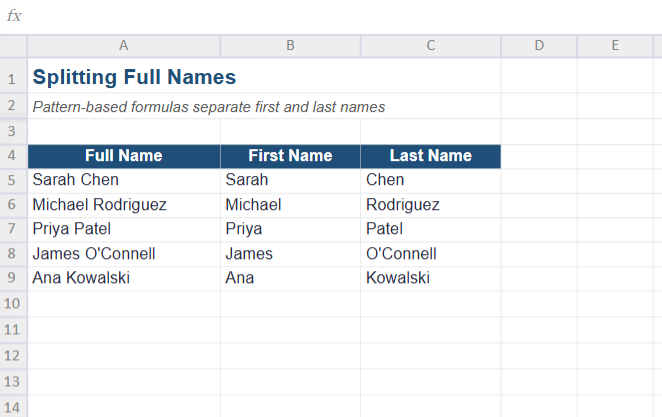
If simpler spreadsheet tools ever appealed to you because they felt easier to learn, you’ll notice Microsoft has worked hard to close that gap. You no longer need to know every function by name to get useful results. Formula by Example in Excel for the web can spot patterns in your data entry and suggest the formula you need automatically. If you have access to Microsoft Copilot, you can describe your goal in plain English and let the assistant generate the formula for you.
Everyday frustrations in large workbooks got fixed
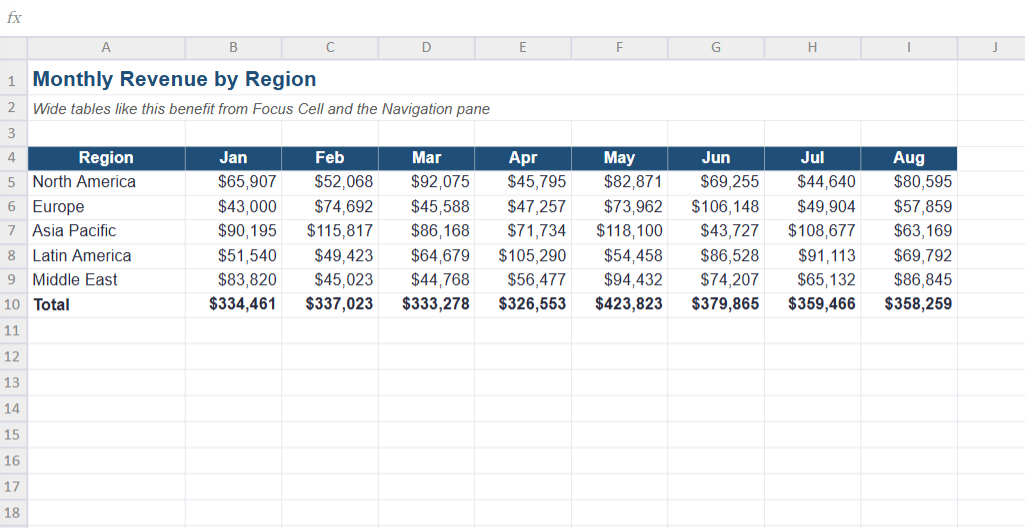
Not every change is dramatic. Some simply remove annoyances you run into after hours inside a large workbook, like losing your row position while tracking one data point across dozens of columns. Focus Cell highlights the active row and column headers as you move around, so you never lose your place. The Navigation pane gives you a searchable overview of your workbook’s key elements, making large, complicated files far easier to move through.
Spreadsheets feel more interactive than ever
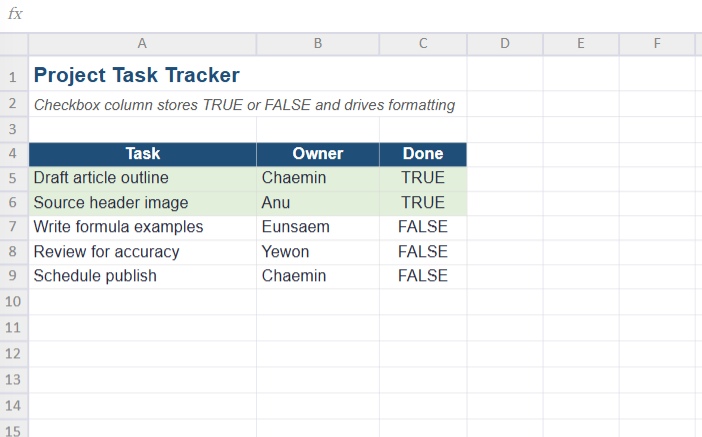
Making a spreadsheet interactive used to mean enabling the Developer tab and inserting form controls that floated awkwardly above your cells. Now, native checkboxes live directly inside cells, letting you build task lists and project trackers with a single click, while toggling the underlying value between TRUE and FALSE so you can connect it to formulas and conditional formatting. In-cell pictures solve a similar problem: instead of images floating over your data and shifting when you resize rows, you can place graphics directly inside individual cells using Place in Cell or the IMAGE function.
Data analysis has moved directly into the grid
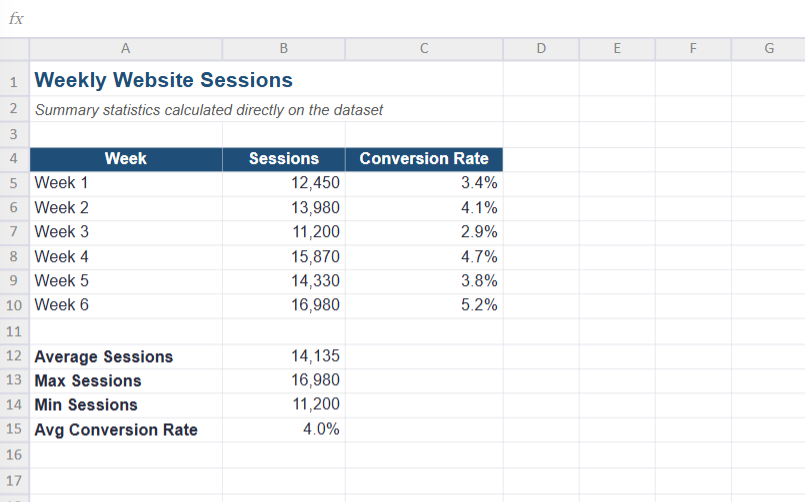
If you assumed Excel was only good for formulas and tables, Python in Excel shows how far that’s changed. You probably won’t replace your everyday formulas with Python, but its arrival shows how much more the app can now handle. You can bring libraries like pandas, NumPy, and matplotlib directly into your workbook for data cleaning, analysis, and visualization, all without exporting anything to a separate tool.
It might be worth giving Excel another look
Excel isn’t the tool you might remember. It’s more flexible, more approachable, and capable of handling tasks that once required entirely separate software. If you haven’t opened it in a while, it’s worth another try, even if you start with the free version of Excel for the web.