One clear edge laptops have over desktop computers is a built-in power source. With a rechargeable battery, you don’t have to stay glued near an outlet, and you don’t have to worry about losing unsaved work during a power cut. You can also work from remote or off-grid locations without a second thought.
Unfortunately, your laptop battery won’t last forever. Most need replacing after two to five years. You’ll know it’s time when your laptop takes too long to charge, its charge drops faster than it used to, or you start noticing overheating and unexpected shutdowns.
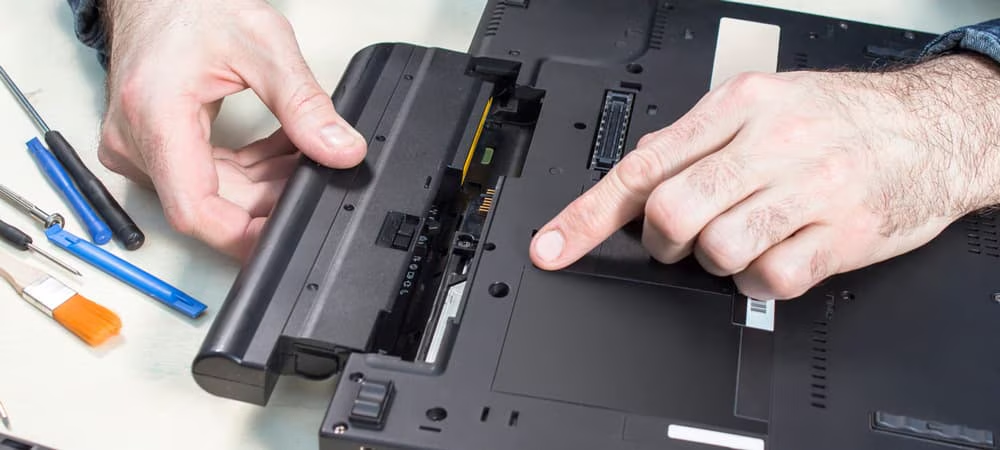
Years ago, this was an easy fix. Laptop batteries used to sit outside the case, so you could slide a release latch, pull the old one out, and push in a new one in seconds. These days, replacing your laptop battery at home isn’t nearly as straightforward. You can technically still do it yourself, but if you’re not comfortable with a screwdriver or unsure about taking your laptop apart, you’re better off letting a professional handle it. Here’s why.
Your battery now lives inside the case, not outside it
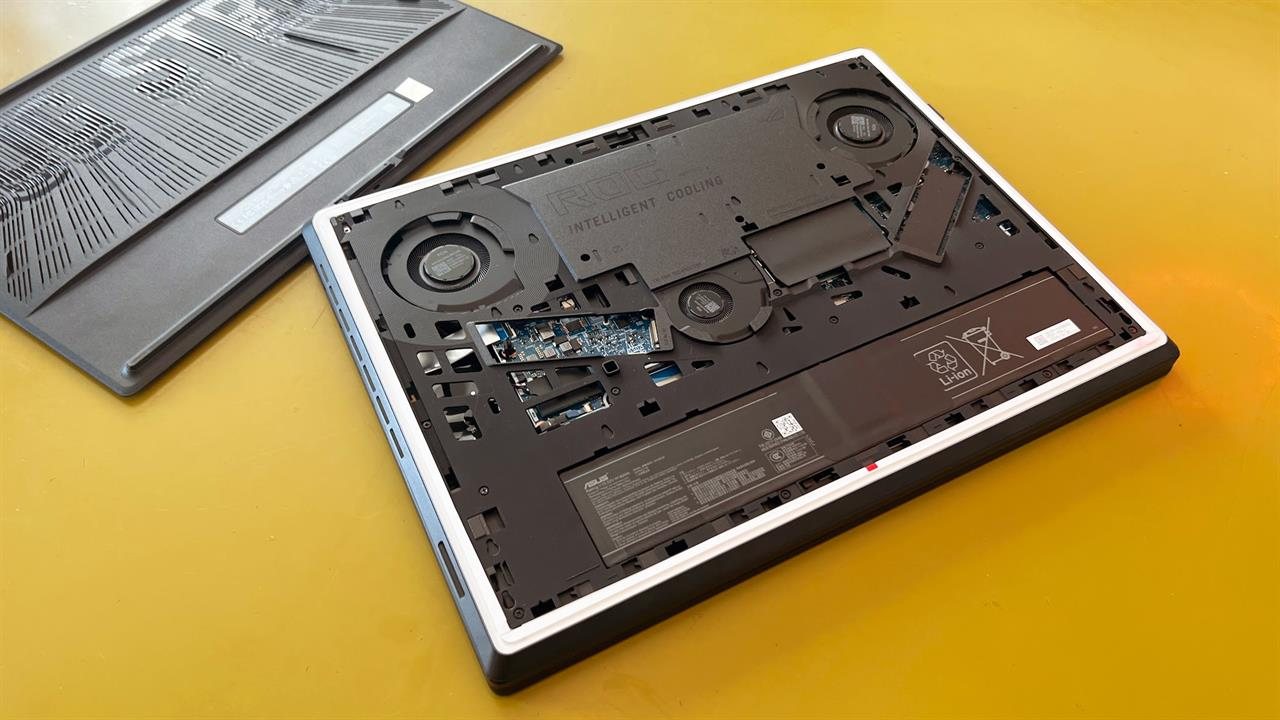
If you owned a laptop from the 2010s and recently upgraded, you’ve probably noticed there’s no release latch or obvious battery compartment on the bottom anymore. Most manufacturers have phased out external removable batteries in favor of internal ones. This means you can’t access your battery as easily as before, which makes replacing it at home more challenging if you don’t have technical experience.
The good news is that most brands still use batteries that are screwed in and connected to your motherboard through a detachable cable. As long as you know how to safely remove the bottom cover, typically with a screwdriver and a plastic pry tool, you can still replace your laptop battery yourself. Just be extra careful when disconnecting the battery cable. It’s usually thin and short, and you can damage it easily if you’re not careful.
If you haven’t disassembled a laptop before but want to try, pick up some laptop repair tools from a hardware store first. Then check iFixit for a teardown video or battery replacement guide for your specific model. YouTube is worth a look too, since there’s a good chance someone has already documented replacing the battery in your exact laptop.
Some laptops make battery swaps far more difficult
While most laptop batteries sit next to the motherboard held in with screws, you’ll find some models with unconventional battery placement and design. These are much harder for you to replace yourself, and in some cases nearly impossible. The Microsoft Surface Laptop Studio 2 is one example. Its battery is glued to the back cover instead of screwed in place, which makes disassembly far more delicate and means you’d have to buy an entire replacement back cover with the battery already attached.
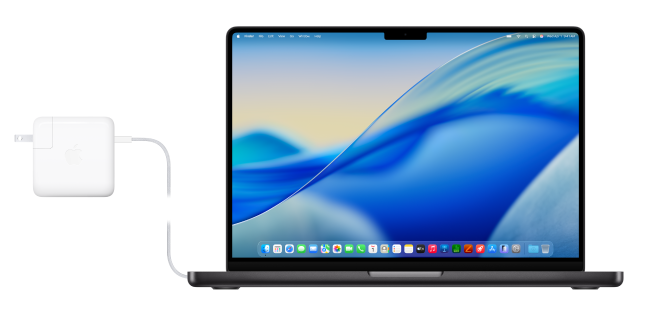
Some MacBook models present a similar challenge. The MacBook Pro 13-inch (2022, M2) keeps its battery close to the motherboard, but the battery itself is made of multiple cells glued down with strong adhesive rather than screwed in. That adhesive is what makes the job difficult, not the battery’s location.
For laptops like these, sending your device to a service center is usually your safest option. Paying for a professional replacement costs less in the long run than paying to fix damage you accidentally cause yourself.